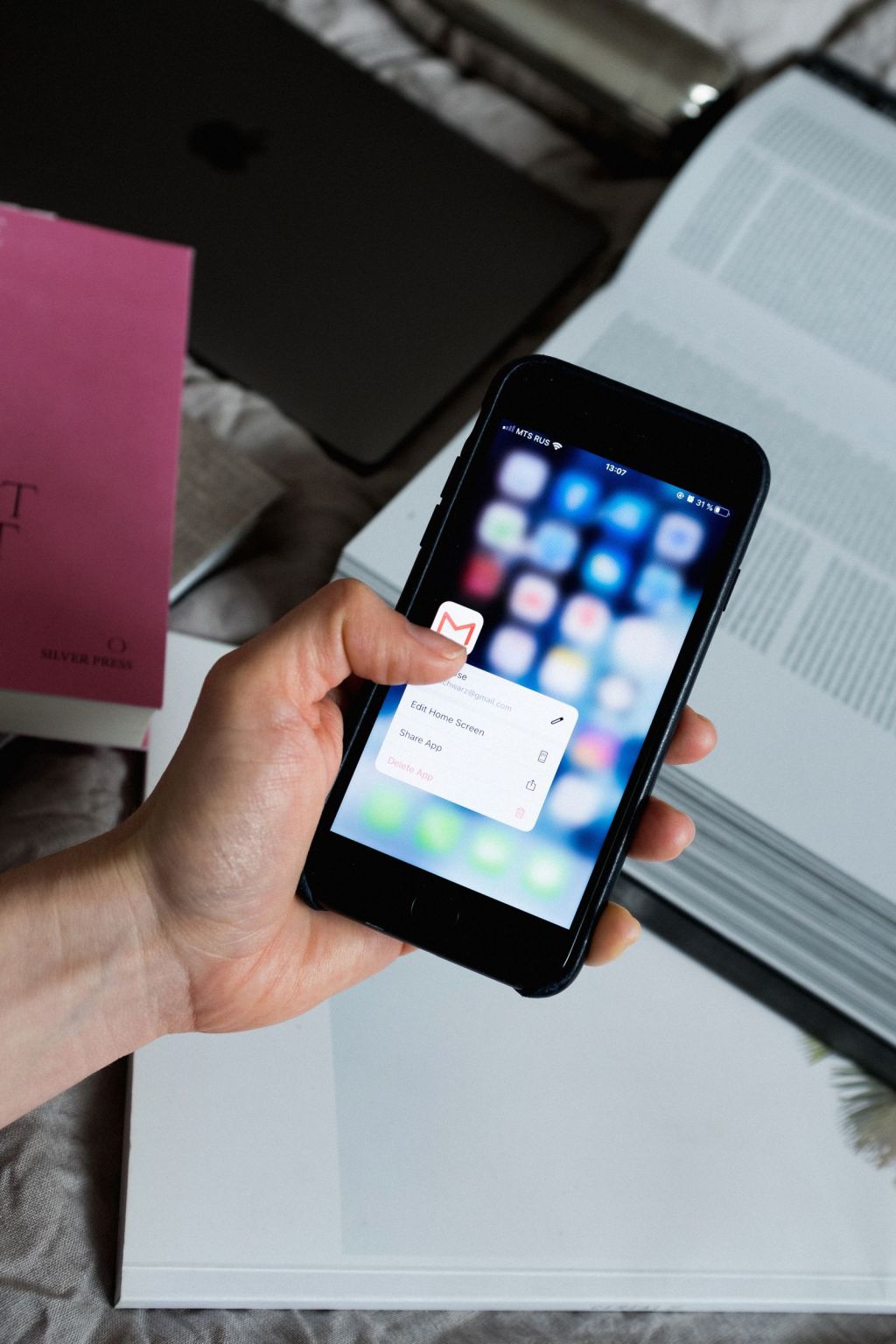
A gym misses calls for ordinary reasons. The one person at the desk is checking someone in. A class is finishing. It is 9:40 at night and the caller saw an ad. Each missed call is usually a lead, and the lead usually calls the next gym. Missed call text back is the simple fix: when a call is missed, a text goes to the caller within minutes. The question for an owner is what that text says, who decided to send it, and what happens next. This article walks through how Staffhand’s lead capture and class booking desk handles it.
The job in one sentence
The lead capture and class booking desk owns one job: turn an inbound contact into a booked visit. A missed call is one kind of inbound contact. The desk treats it the same way it treats a web form or a chat message, with one difference: the first move is a text back, because the caller has already shown they want to talk.
What happens when a call is missed
Here is the sequence, in approval mode, which is how every Staffhand build runs.
- The missed call is logged. The desk records the number, the time and whether the caller is already known to the gym.
- The desk drafts a text. A short message that acknowledges the call, apologizes for missing it, and asks what the caller needs or offers a time to visit. The wording is the gym’s, set during the build and tested before anything goes live.
- A person approves. The draft lands in the gym’s single approval queue. A staff member approves it, changes it or holds it. Nothing customer-facing goes out unapproved.
- The text is sent and logged. The live action log records the message and the time, so the owner can see every text that went out and who approved it.
- The reply comes back to the same desk. If the caller wants to come in, the desk offers times and books the visit. If the caller asks a question, the desk drafts an answer for approval.
That is the whole loop. Draft, approve, send, book, log.
Quiet hours
A text at 11:15 at night tells a lead you are automated. Each build sets quiet hours for outbound messages. A call missed after the gym’s cut-off produces a draft that waits in the approval queue until the next allowed window. The draft is ready when staff arrive; the caller hears from the gym at a reasonable hour.
The same rule applies to follow-up messages, not just the first text back. No agent in the build sends outside the hours the gym set.
What the desk never answers
Membership pricing is a question many callers will ask, and it is the question the desk does not answer. Under Staffhand’s control rules, price questions always go to a person. The desk can acknowledge the question and say that someone from the gym will follow up, and even that acknowledgement is approved before it is sent. The question itself is routed to a staff member with the caller’s details attached.
This is a deliberate limit. A price quoted by text, without context about the person’s goals or the current offer, is a price you will be held to. A person should give it.
Booking the visit
When the caller wants to come in, the desk offers times from the gym’s calendar and books the one they choose. A confirmation is drafted and approved like any other message. If the caller stops replying before booking, the follow-up and reviews desk takes over: it drafts the next message at the right interval, within quiet hours, and each one passes through the same approval queue.
The two desks share the same record of the lead, so nobody is asked the same question twice and nothing falls between them.
Why approval mode matters here
Missed call text back is often sold as fully automatic: the tool sends whatever it is configured to send, the moment the call drops. That is fast. It also means a text can go to a prospective member that nobody at the gym read first.
Approval mode trades a few minutes for control. The draft is instant. The send waits for a person. That person can be the staff member who missed the call, approving from a phone between check-ins. For an owner, it also means every text in the action log is one a person chose to send.
Staffhand adds a second layer of oversight: people at Staffhand review what the agents do. Nothing in the build runs unattended.
Where this fits in a gym build
A Staffhand gym build is five desks: coaching support, lead capture and class booking, follow-up and reviews, website and local search, and social media, plus personal assistants for the owner and the head coach. The full list is on Example builds. The desk count for any business is set by a scored digital audit, not a template. If missed calls are the gym’s main leak, this desk comes first. If the leak is somewhere else, the audit will say so.
The approval queue, the action log and the morning brief that the owner sees are described on How it works. The full gym page is at AI for gyms.
What you keep
Everything is set up in the gym’s own accounts: the phone number, the messaging, the calendar, the lead records. If the gym stops working with Staffhand, all of it stays with the gym.
If you want to know how many calls your gym is missing and what happens to them now, that is part of the lead handling score in a Staffhand digital audit. Start with a digital audit.