
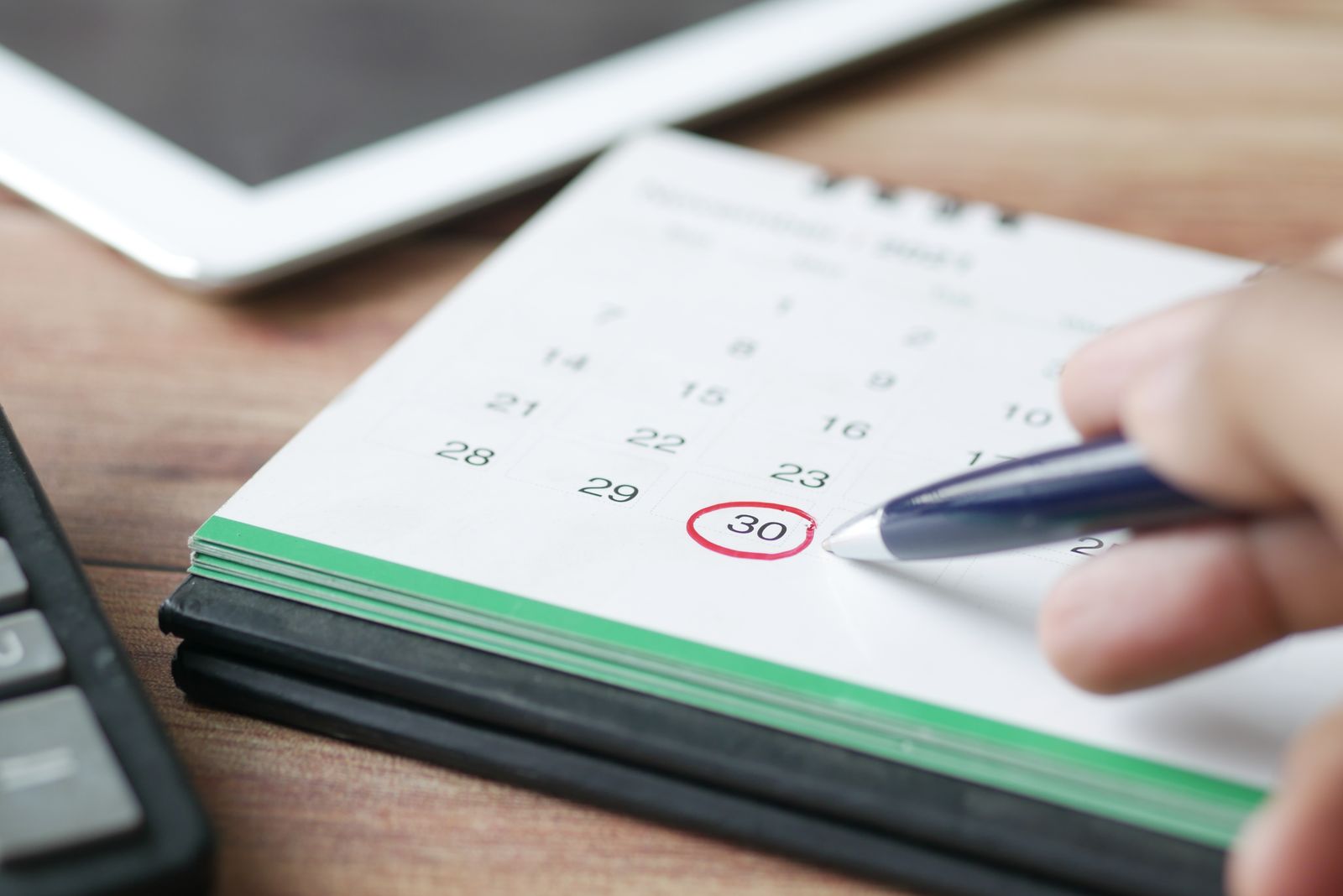
An empty slot at 2pm costs the same as a full one. The customer forgot, or meant to call, or thought it was Thursday. The reminder and no-show desk makes forgetting hard. It sends reminders you approved at the intervals you set, asks for a confirmation, offers a reschedule to anyone who cannot make it, and follows up with anyone who did not show so the slot is rebooked instead of lost.
What this desk does
The desk reads your calendar and works backward from every appointment. It drafts the reminders, the confirmation request and, where needed, the rebooking message. It records who confirmed, who asked to move and who went quiet. When an appointment is marked as a no-show, it drafts a short, polite message offering new times and hands the booking to the appointment setting desk.
It also watches for gaps. When a confirmed slot opens up because someone moved, the desk can draft an offer to the next person on a waitlist, if your build includes one.
A day in the life
At 7am the desk shows today’s schedule with a status on every appointment: confirmed, unconfirmed, moved. The unconfirmed ones have a same-day reminder drafted and waiting for approval. Any no-shows from yesterday have a rebooking draft ready.
During the day it sends the approved reminders at the times you set, often a day before and a couple of hours before. Replies come back to the desk. “Confirmed” updates the calendar. “Running late” is routed to the person waiting. “Can we move it” produces a draft with new times. When a slot opens, a waitlist offer is drafted. Anything the customer asks that is not about the time or place goes to a person.
After hours the desk prepares tomorrow’s reminders and the no-show follow-ups, all held until the morning window.
What it drafts and who approves
It drafts reminders, confirmation requests, reschedule offers, no-show follow-ups and waitlist offers. Front-office staff approve. Because reminders are the same message with a different time and name, they are usually the first thing an owner moves to an approved template. The no-show follow-ups tend to stay in the queue so a person can soften or skip them.
What it never does on its own
- It never sends outside approval or outside quiet hours.
- It never cancels an appointment. A customer who asks to cancel is routed to a person, and the slot is released only when a person confirms.
- It never discusses cost, deposits, insurance or financing. Those go to a person.
- It never sends a no-show message to someone a staff member has flagged, such as a customer who called to say they had an emergency.
Which industries use it most
Med spas and dental practices. Reminders with pre-visit instructions, a confirmation request, and a recall reminder when a patient is due again. Clinical questions in the replies go to the provider.
Car dealerships. Test-drive and delivery reminders, service appointment reminders, and a rebooking message when a shopper misses a test drive. See AI for car dealerships.
Gyms. Trial class reminders, personal training session reminders, and a check-in when a trial visitor does not show, timed to the next session that fits. See AI for gyms.
What it connects to
The desk reads and writes your calendar or scheduling system, sends through your business texting and email, reads your CRM or patient and member records for names and preferences, and reads your waitlist if you keep one. It runs in your accounts. The schedule and the message history stay yours.
How it shows up in the morning brief and weekly report
The morning brief shows today’s appointments by status, reminders waiting for approval, overnight reschedule requests, and yesterday’s no-shows with a draft ready. The weekly report shows appointments scheduled, confirmed, moved, kept and missed, the no-show rate by day and by service, and how many no-shows were rebooked. If a particular time of day keeps producing empty chairs, the report shows it and you can change how you book it.
Frequently asked questions
How many reminders does it send?
As many as your build sets. A common pattern is one the day before and one a few hours ahead, with a confirmation request in the first one. Confirmed customers get fewer messages.
What if the customer replies with a question?
Questions about time and place are answered from the appointment record. Anything else is routed to a person. Questions about cost always go to a person.
Can it fill a cancelled slot?
If your build includes a waitlist, the desk drafts an offer to the next person on it and a staff member approves it. The booking itself runs through the appointment setting desk.
Does it work for recurring appointments?
Yes. Recurring sessions and recall reminders follow the schedule in your system, and the wording changes so regulars are not treated like first-time visitors.
Start with a digital audit
The audit looks at how your appointments are reminded and confirmed today, and how many slots went empty last month. Start with a digital audit.

